


On July 16, we covered FuelTech‘s release of its new Vision Software 2.24 – which was made available as a free download for FT700 users. Now, as the PWC world settles into the new software, some users may have a pretty reasonable question: “Am I even going to know what I’m looking at?”
FuelTech recently posted a video aimed directly at those users.
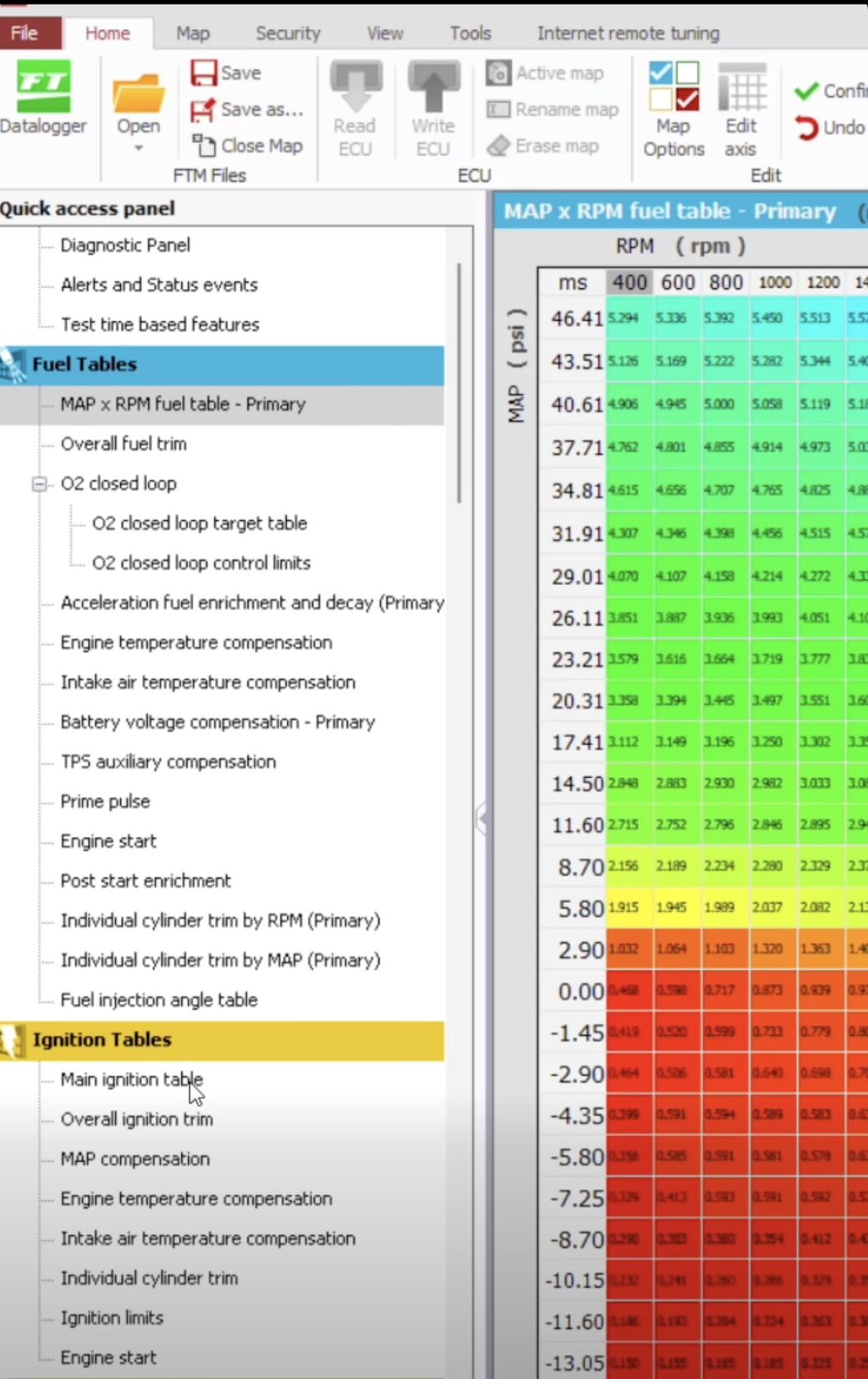
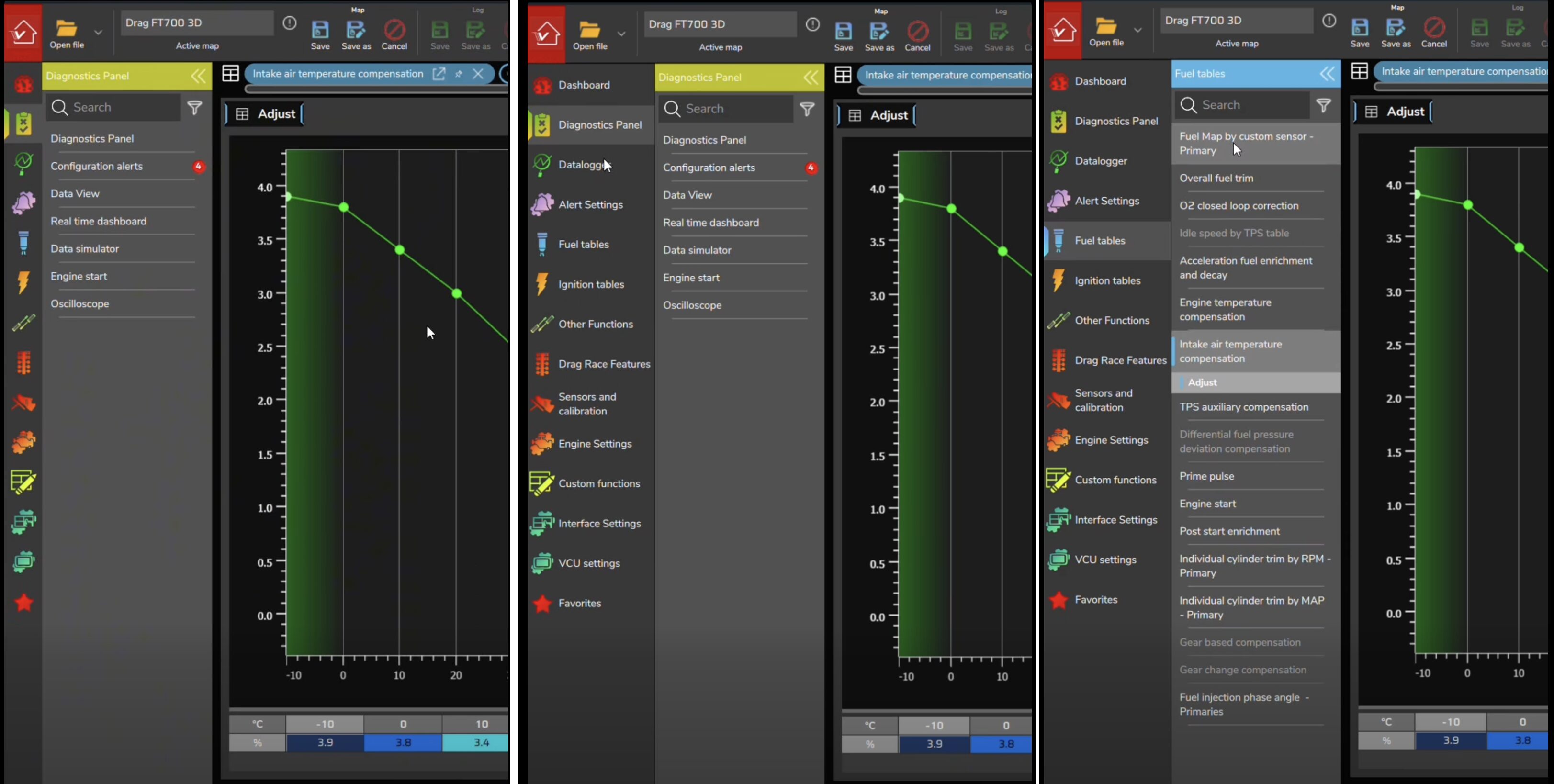
The video walks through the similarities between the previous FTManager software and the new Vision FT software, showing where many of the familiar functions can be found in the new interface.
For anyone accustomed to FTManager, the basic organization should look surprisingly familiar. Fuel and ignition tables are still there, along with other functions, sensor calibrations and engine settings. Fuel maps, closed-loop fuel control and other compensations carry over as well, while functions such as idle control remain in the new software.
FuelTech’s video shows that while the interface has changed, the tools themselves haven’t suddenly disappeared.
The point of the video isn’t to teach you how to tune an engine. Instead, it’s a quick tour designed to answer a more basic question for existing FTManager users: Where did everything go?
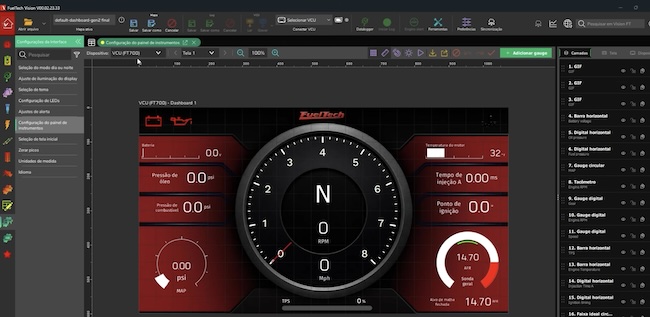 If you’ve been putting off the move to Vision because the new interface looks unfamiliar, FuelTech’s latest walkthrough may make the transition seem considerably less intimidating.
You can watch the full video below, and you can also revisit our original coverage of the Vision software release from July 16.
\