



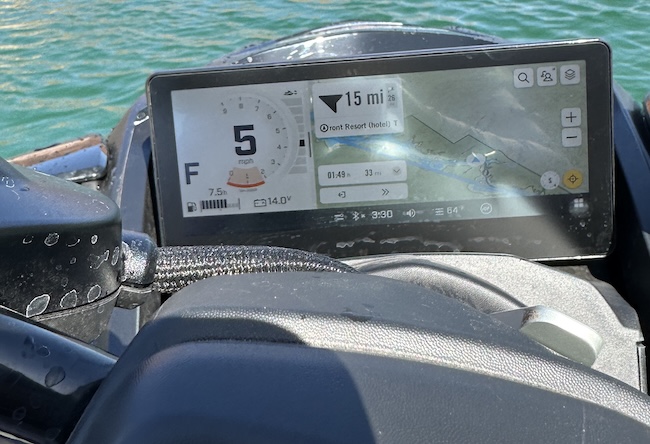
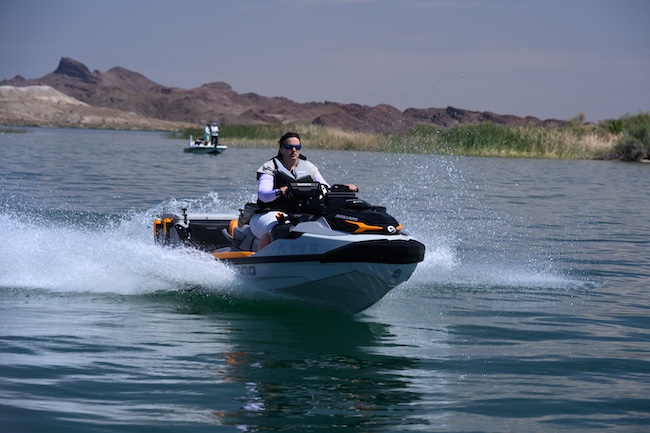
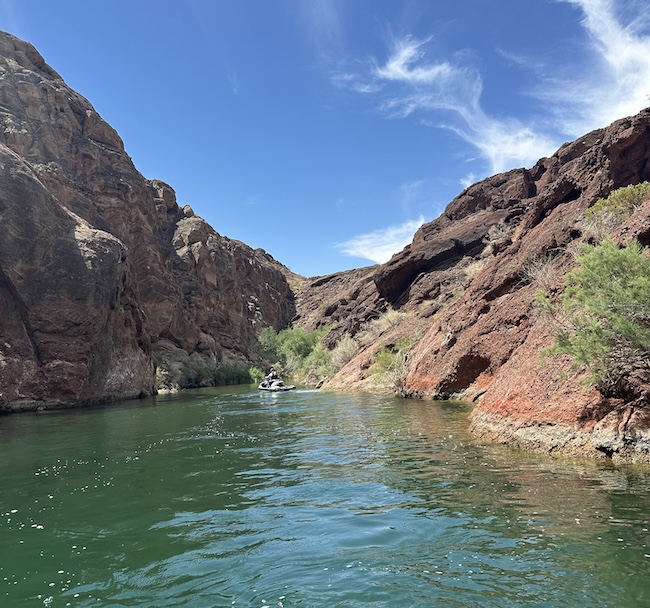
 I’ll be honest with you: I didn’t plan to spend part of the Sea-Doo BRP GO! press event riding solo through Topock Gorge on an unfamiliar body of water, navigating shallow areas I’d never seen before, trying to find my way back to a hotel I’d only ever approached by land.
But that’s exactly what happened — and it turned out to be the best possible test of whether Sea-Doo’s new connectivity package actually delivers on its promise.
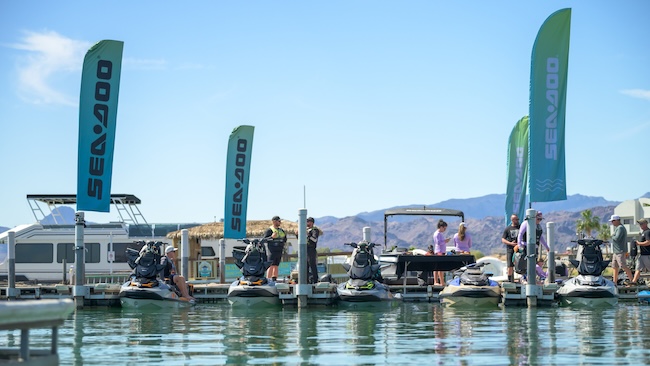
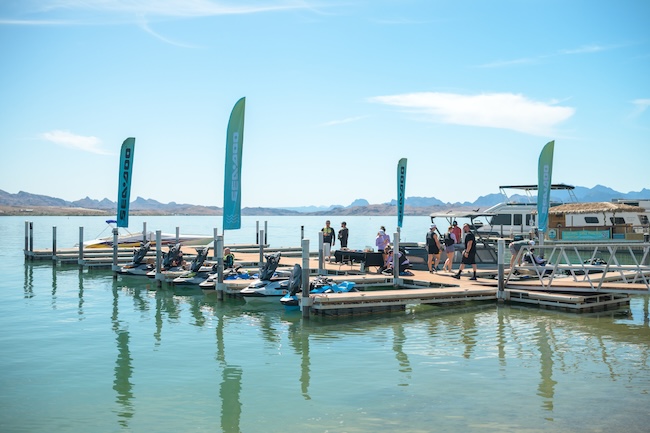
Sea-Doo flew a small group of media out to Lake Havasu City to showcase the 10.25″ touchscreen display and BRP GO! app integration now available on 30% of the 2026 lineup — the GTX Limited, Explorer Pro, FishPro Trophy, RXT-X, Wake Pro, and RXP-X. The pitch is straightforward: half of Sea-Doo owners reportedly pull their phone out every ten minutes on the water, mostly to check navigation, change music, or connect with the people they’re riding with. The touchscreen and BRP GO! are designed to put all of that on the display and keep your hands on the bars where they belong.
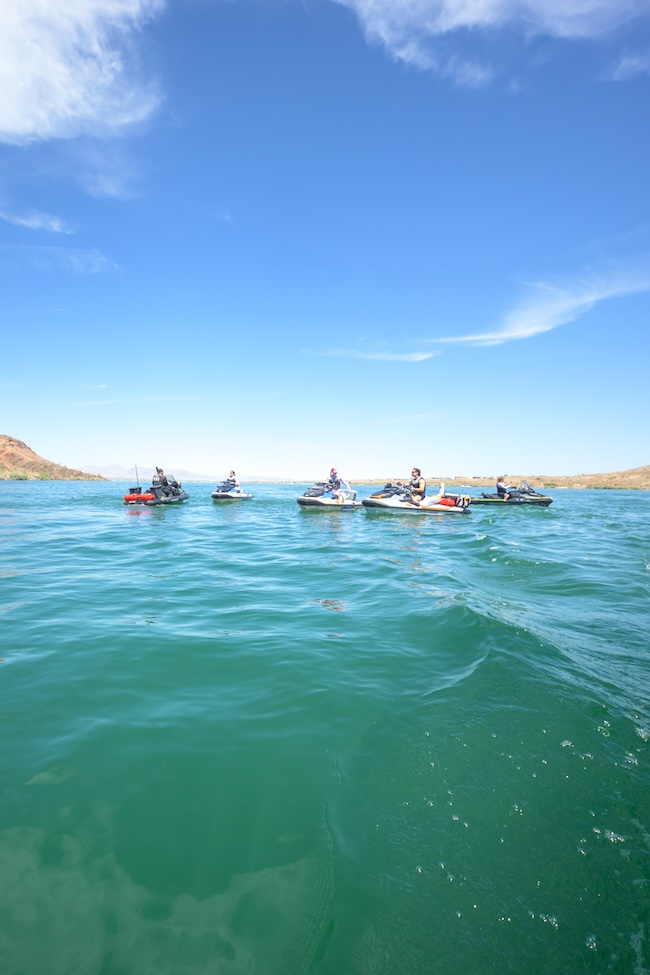
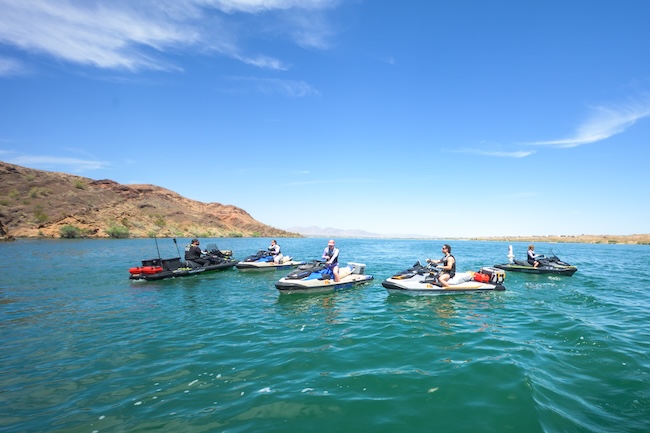
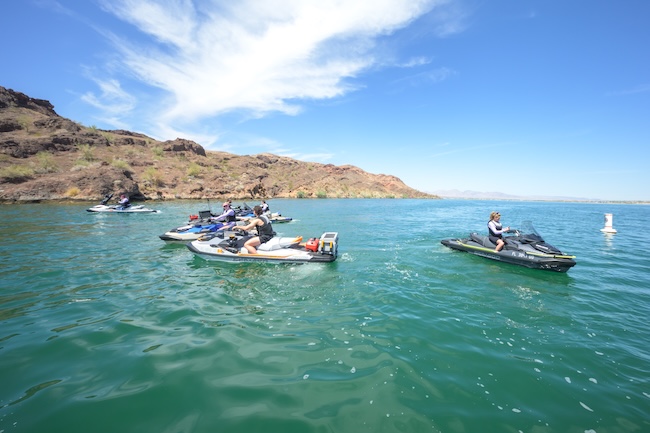
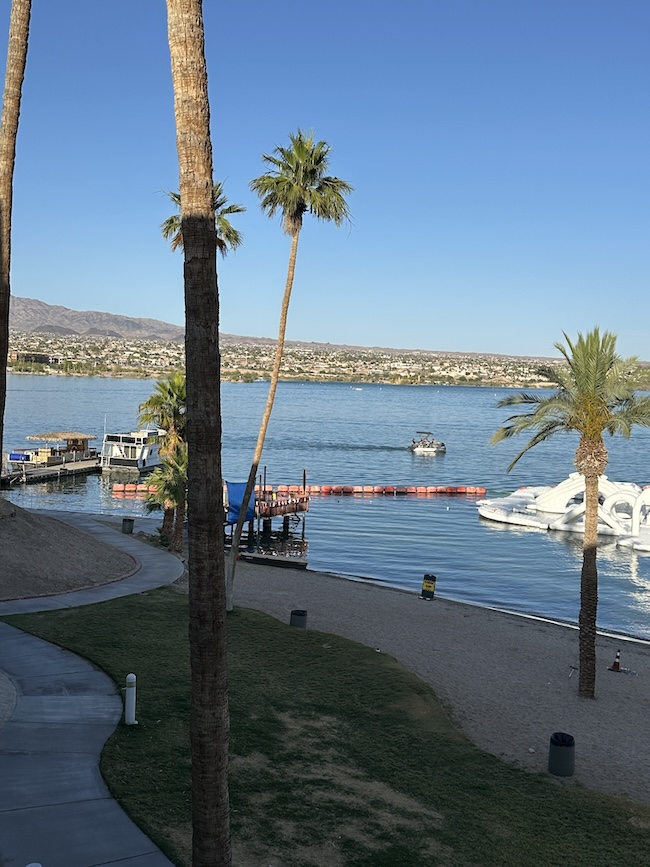
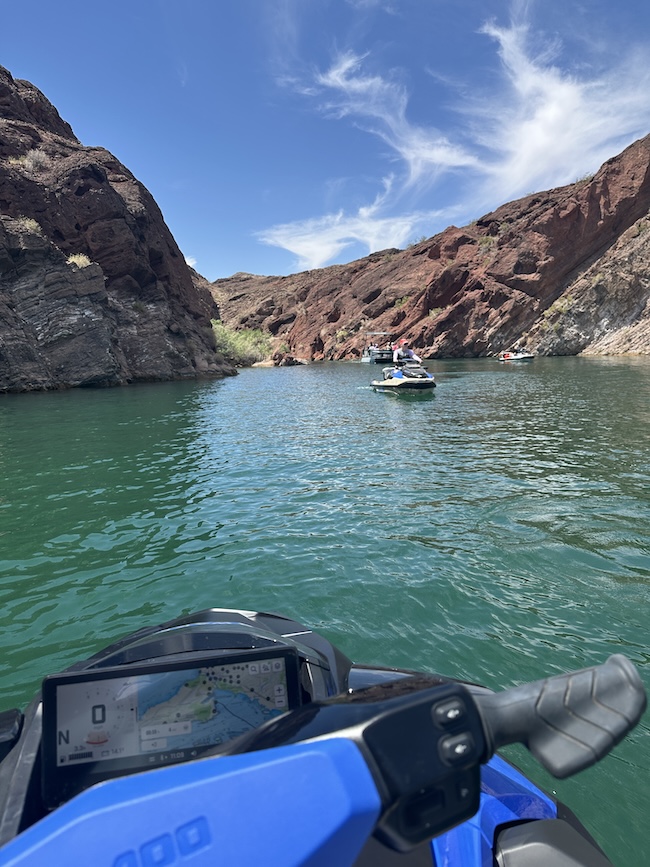 Lake Havasu City wasn’t a random choice of venue. For anyone in the PWC world, this is hallowed water — home of the World Finals, the Mark Hahn endurance race, the kind of place you visit with a camera and a press credential and leave with images you don’t forget. I’ve stood on that cliff. I’ve shot those final buoys. Sea-Doo probably didn’t intend it as a birthday gift, but putting me on a ski on that water, riding a route I’ve only ever watched from shore — that’s exactly what it was.
How It Works
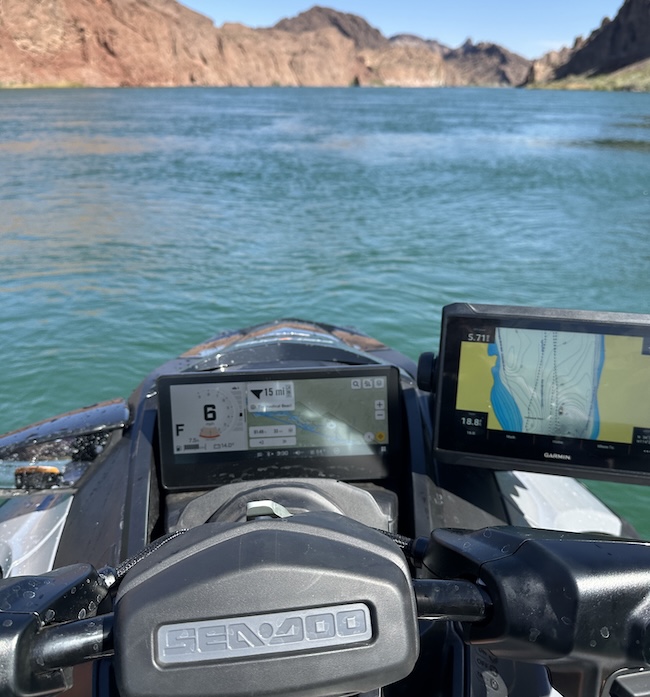
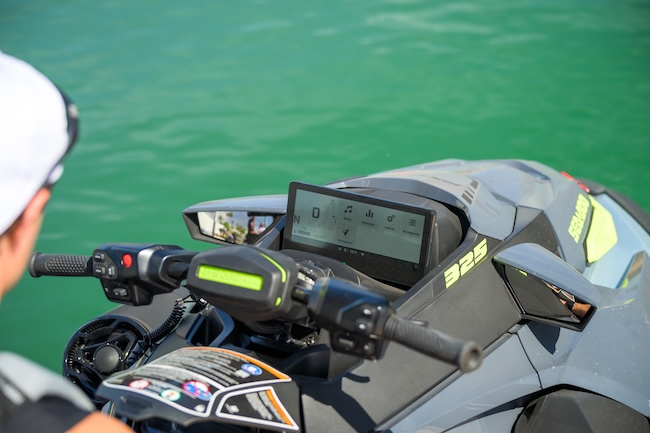
BRP GO! turns your phone into the brain of the operation — but the 10.25″ display is where you actually interact with it. Your phone lives in a dedicated waterproof compartment, plugged in via USB, while everything you’d normally reach for — navigation, group tracking, Navionics nautical charts, POIs, ride recording, and more depending on model — runs on the screen in front of you. Bluetooth handles music pairing independently, but for the full BRP GO! experience, the USB connection is what ties it all together. And that waterproof compartment earns its keep even without BRP GO! — anyone who’s ever wanted their phone accessible and protected on the water will appreciate it regardless.
 The Screen
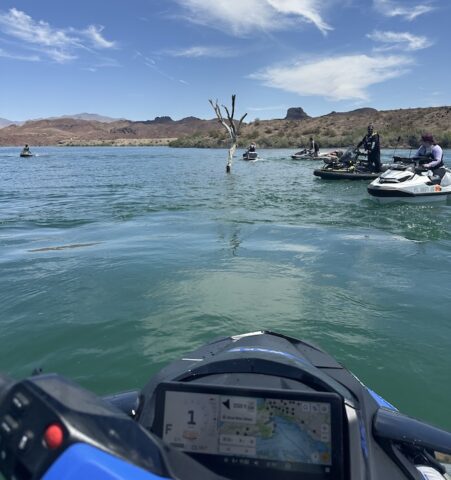
The first thing worth saying about the 10.25″ display is the one thing I didn’t expect to be the headline: you can actually read it in full Arizona sun. Anyone who has squinted at a phone screen or a laptop on the water knows that sinking feeling when the glare wins. This screen doesn’t have that problem. Metrics — speed, RPM, VTS, water temperature — are crisp and clear, and the customizable center gauge (compass, fuel consumption, distance to empty, water depth depending on model) is genuinely readable at a glance.
The second thing worth saying is that despite being a touchscreen, you don’t really have to touch it much. Sea-Doo built robust handlebar controls that handle most functions — switching applets, adjusting volume, activating launch control — without ever taking your hands off the bars. This matters more than it sounds. Wet fingers and touchscreens are not friends. The handlebar controls made that point moot almost every time it would have been an issue.
The App
The interface is intuitive enough, though my honest advice to anyone setting this up for the first time is the same advice I’d give about learning any new piece of equipment: set aside time to just play with it. Explore the menus, find where everything lives, push buttons without a destination in mind. Trying to learn it while also riding and navigating a new body of water — which is exactly what I did — works, but it’s not the most efficient path.
One genuine quirk worth knowing: the routing is point-to-point in the most literal sense. Set a destination and the navigation arrow points you there in a straight line, directly over land, docks, and anything else that happens to be in between. Zoom out, read the water, and plan your actual route accordingly. It’s not a flaw, just a behavior to understand before you rely on it.
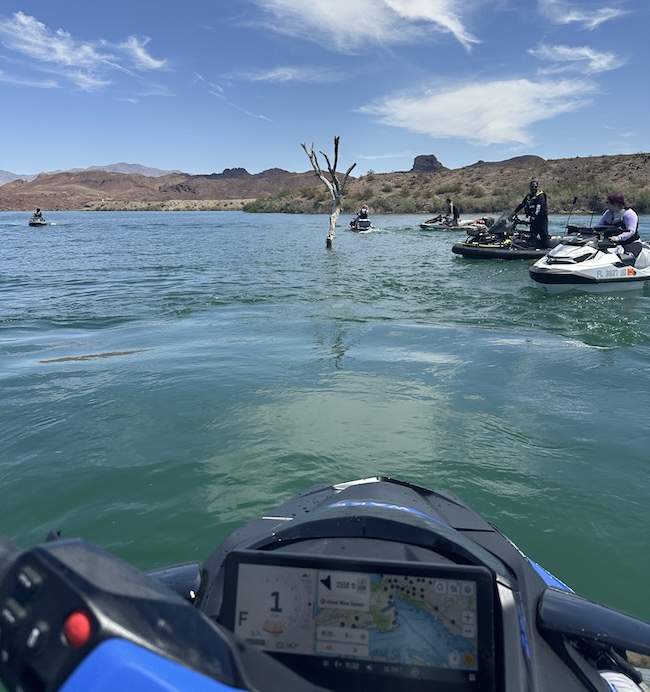
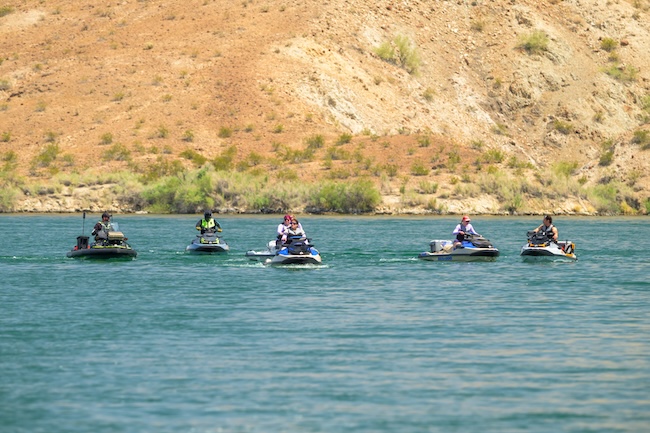
Group tracking worked exactly as advertised. Seeing the other riders as dots on the map was genuinely useful, even when I was too busy learning the controls to pay close attention. When I wasn’t sure which side of a cove the group had gathered on, one glance at the screen answered the question.
On privacy: location sharing in BRP GO! is entirely opt-in and strictly limited to your group. Only riders you’ve manually added can see your position, and only when you’ve chosen to share it. Nobody outside your group can see you, and nobody can add themselves without your knowledge. Ride data, if you choose to save it, is stored in the app for your own review — that “if you choose” is worth emphasizing. Nothing is automatic.
Offline Capability — Better Than You’d Expect
Here’s something worth knowing before you head somewhere remote: losing cell service doesn’t mean losing BRP GO!. As long as you’ve downloaded the maps for your riding area in advance, the app keeps working — navigation, POIs, nautical charts, ride recording, and your own position all remain available. The app relies on your phone’s own GPS rather than cellular connectivity, so signal loss doesn’t take navigation with it.
The one exception is friend tracking. Location sharing between riders requires a live data connection, so when someone loses signal their icon goes grey and stops updating until they’re back in range. Everything else keeps going.
The ski’s built-in GPS is always running in the background — think of it as your safety net. It’s basic, no frills, but it’s 100% offline and always available. If you downloaded your maps before heading out, you likely won’t need it — BRP GO! will keep navigating without cell service. But if you’re the spontaneous type who didn’t pre-download maps for the area, or you wander outside your downloaded coverage, losing cell service means losing BRP GO! navigation. That’s when the built-in GPS earns its place. It’s not an either/or choice you have to make at the dock — it’s a backup that’s always there when you need it.
The Solo Run
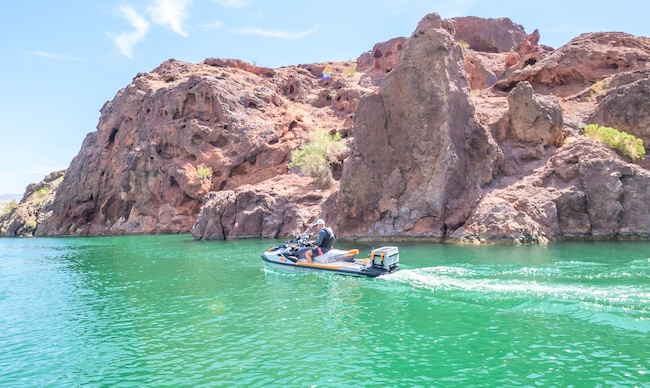
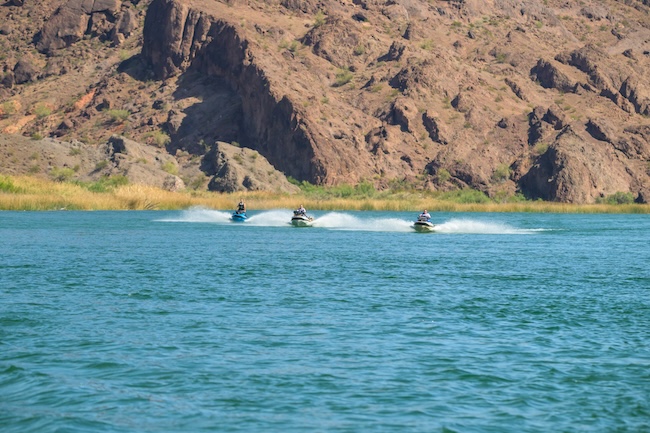
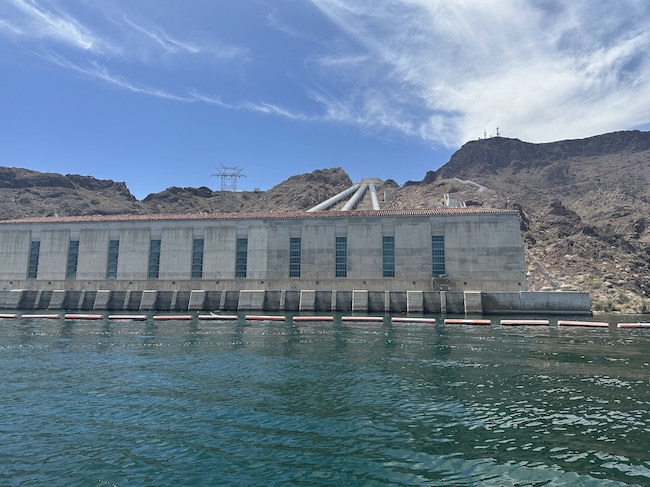
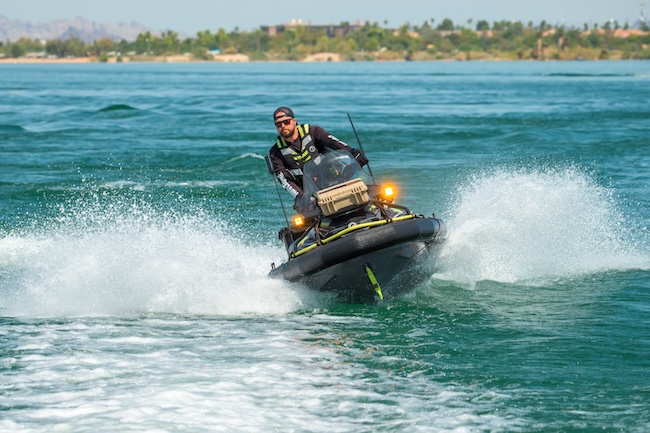
After lunch, the plan changed. I needed to be back at the hotel by 5 p.m. (newspaper deadlines don’t disappear just because you’re 2,000 miles from home and on a business trip with your sideline job) and the afternoon ride north through Topock Gorge to the California border and back was going to run long. So I switched to the FishPro Trophy and headed north with the Sea-Doo crew to a midpoint. Then I continued alone to the Topock Bridge, turned around, and found my own way back.
The FishPro Trophy runs two systems simultaneously — BRP GO! on the 10.25″ touchscreen handling navigation and group tracking, and a dedicated Garmin fish finder on its own display. Before I left the crew at the midpoint, they set the Garmin’s shallow water alarm to sound at four feet. In water shallow enough that I could see the bottom rising up beneath me and watch fish dart underneath the hull, that alarm was not a gimmick. BRP GO! told me where I was going. The Garmin told me how much water I had under me to get there. Between the two, I had everything I needed.
That stretch of water — narrow in places, shallow in others, unfamiliar throughout — is exactly where the connectivity package stopped being a feature set and started being useful. The navigation arrow pointed the way. The group tracking dots showed me where everyone was so I could find them, wave, and keep moving. The map got me back to the hotel launch without incident.
The Bottom Line
Sea-Doo’s connected lineup isn’t trying to turn a PWC into a smartphone. It’s trying to solve a real problem — riders who need navigation, music, and group awareness are already reaching for their phones on the water, and that’s a worse solution than what’s now built into the display.
For touring riders, the GTX Limited’s route planning and fuel consumption tracking reduce the cognitive load of a long day on the water. For fishing, the FishPro Trophy’s Navionics integration and waypoint system do real work in exactly the environments where you’d want them. For wake and group riding, tracking your friends on the map is exactly as useful as it sounds. For the performance crowd, launch control activation and ride statistics on the RXT-X and RXP-X are accessible and clear rather than buried.
Is there a learning curve? Yes. Is the touchscreen perfect in all conditions? No. But the handlebar controls compensate for most of the touchscreen’s real-world limitations, the screen visibility is legitimately impressive, and the offline capability is stronger than most people will assume going in.
There’s more to BRP GO! than one afternoon on the water could cover, but I rode most of the afternoon on an unfamiliar lake, through a gorge I’d never seen, alone.
That’s the test — and Sea-Doo’s BRP GO! aced it.